
Bifrost
Every connection. One app.
SSH, RDP, PowerShell, VNC, SFTP, FTP, Telnet, Docker, Hyper-V, Apple Containers, and Kubernetes in a single native macOS client. Organized, fast, and secure.
Download on the Mac App Store Try Pro free for 14 days · One-time purchase · macOS 15+A full terminal, built right in.
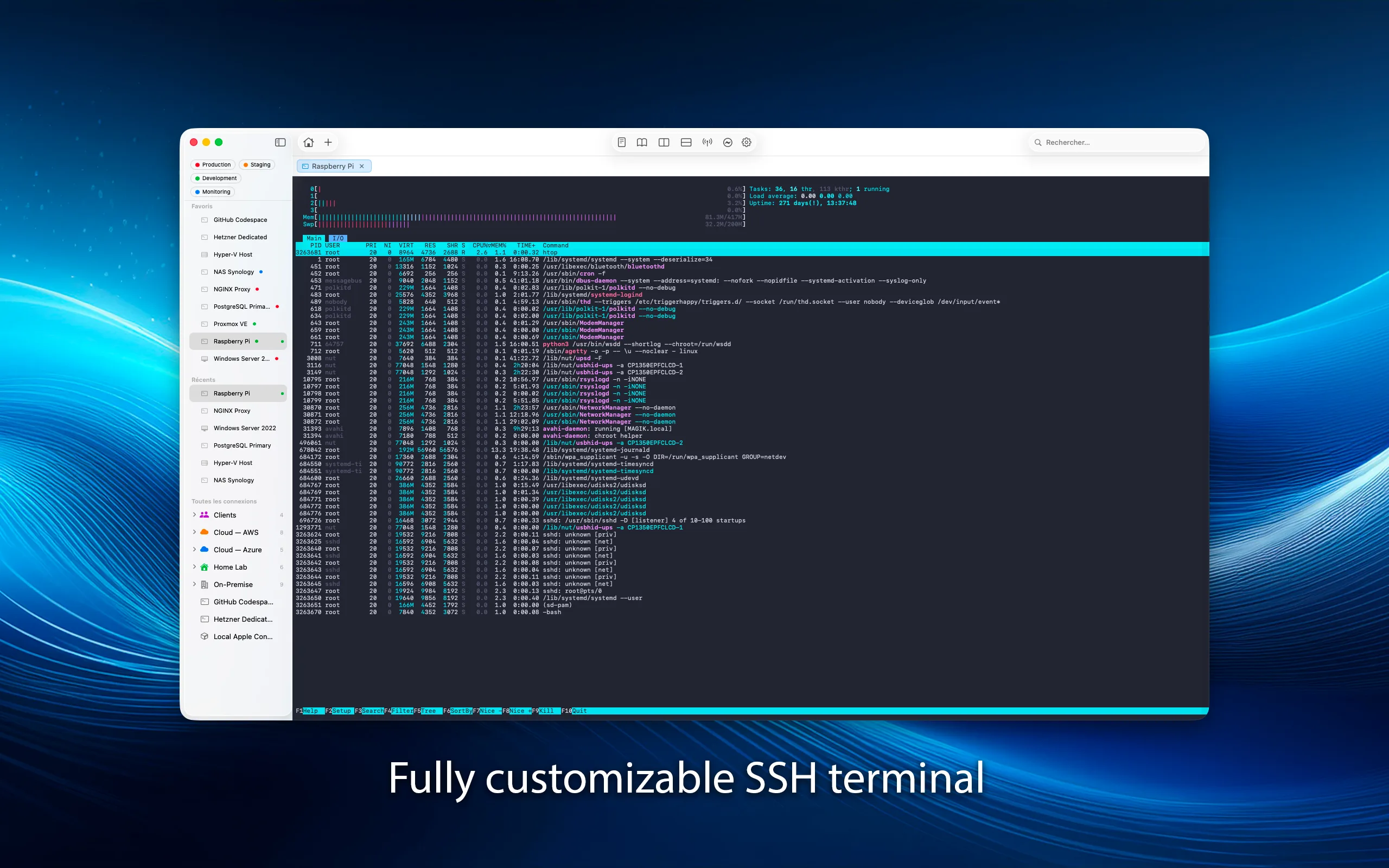
xterm-256color terminal emulation with port forwarding, SSH key management, and agent forwarding. Local and remote tunnels for secure access to any service behind a firewall.
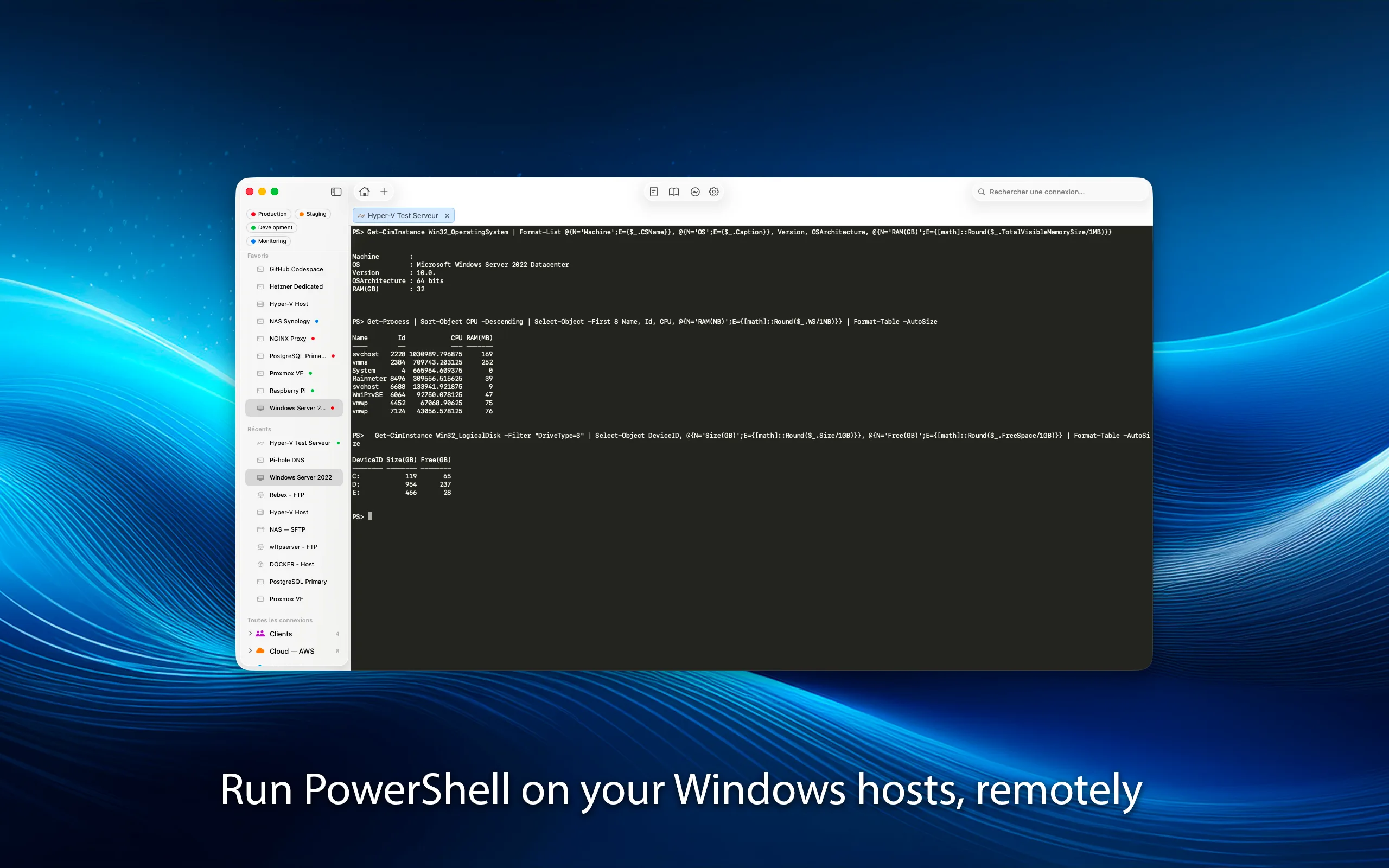
Manage Windows servers, natively.
Full PowerShell Remoting over WinRM. Run commands, scripts, and manage Windows servers directly from your Mac. Interactive sessions with line editing, history, and real-time output.
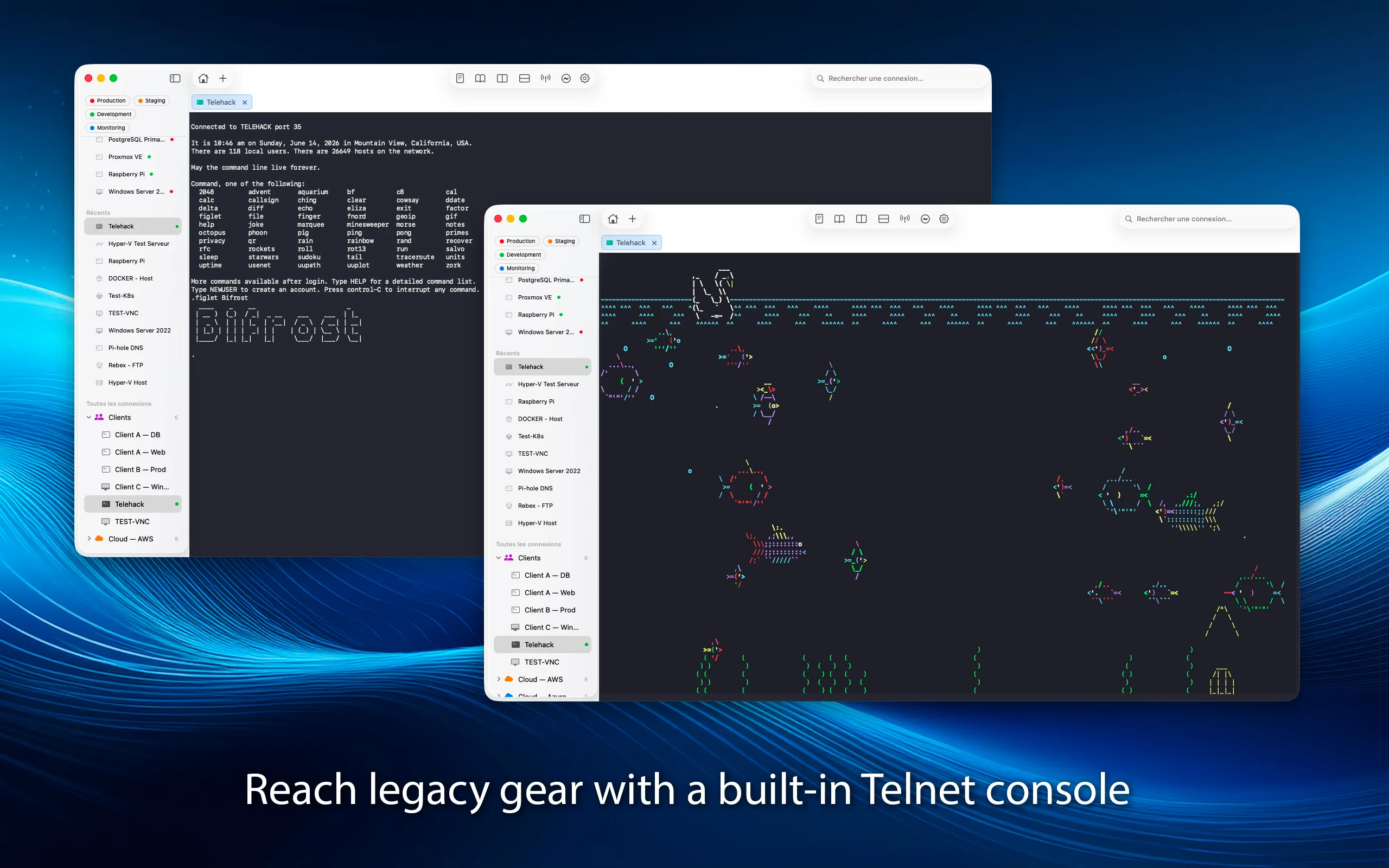
Legacy systems. Modern interface.
Full Telnet client for managing network equipment, legacy systems, and embedded devices. Same terminal emulation, same split panes, same experience as SSH — just without encryption.
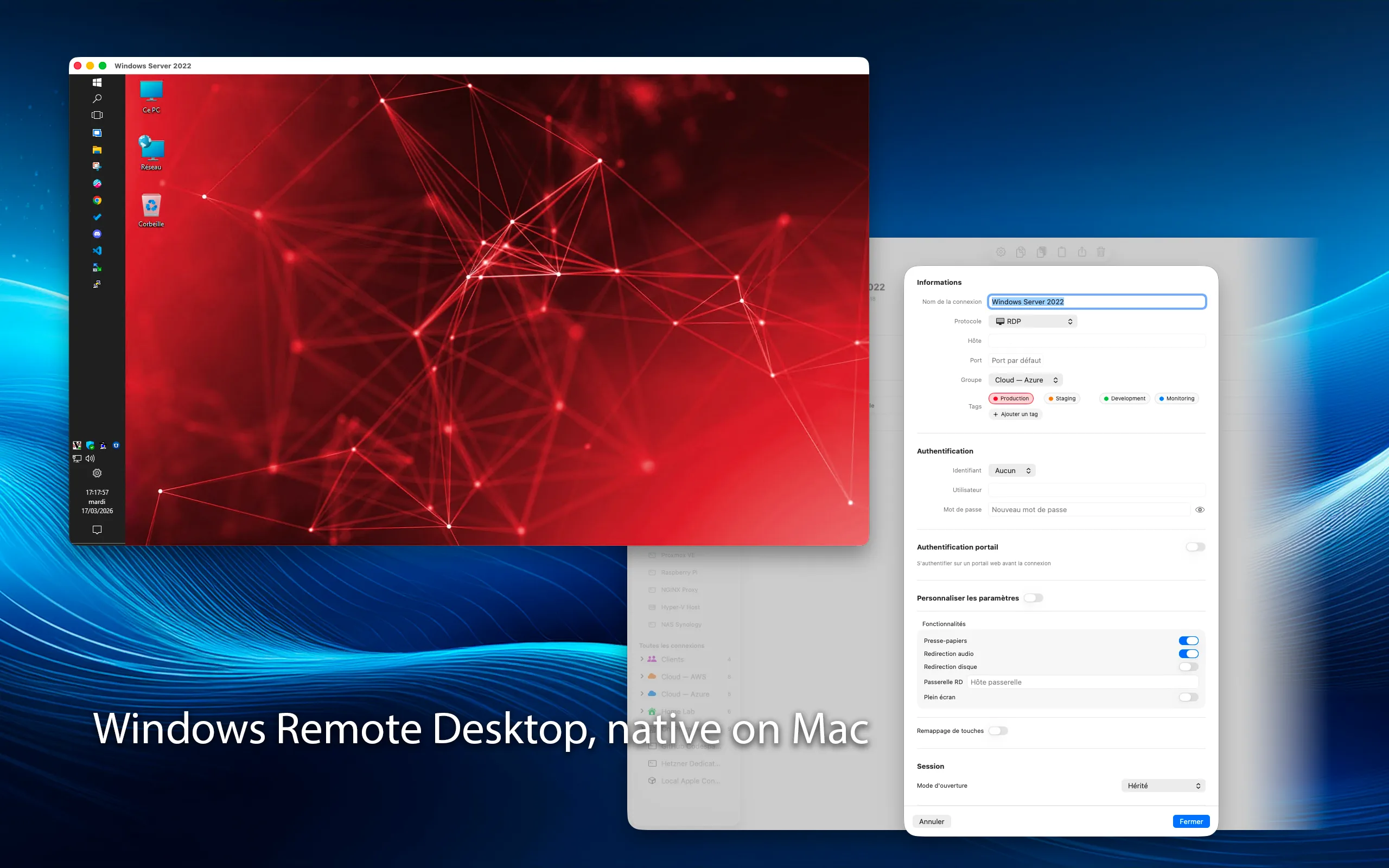
Windows desktops, from your Mac.
Full RDP client with NLA authentication, clipboard sharing, multi-monitor support, and configurable resolution. Connect to Windows machines as naturally as if they were local.
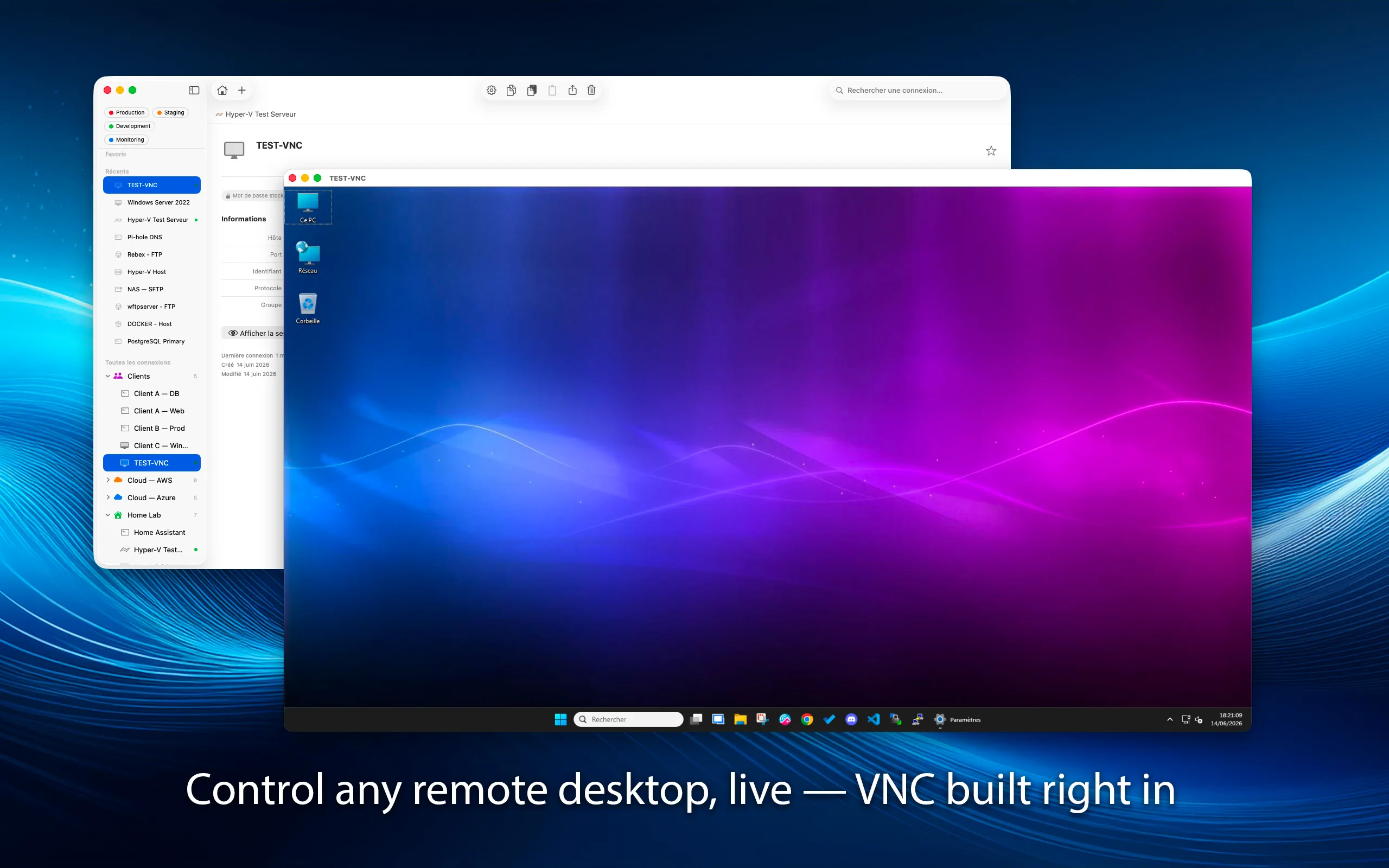
See every screen, in real time.
Real-time remote desktop rendering with configurable compression and quality. Shared session support for collaborative work. Connect to any VNC-compatible server — Linux, macOS, or Windows.
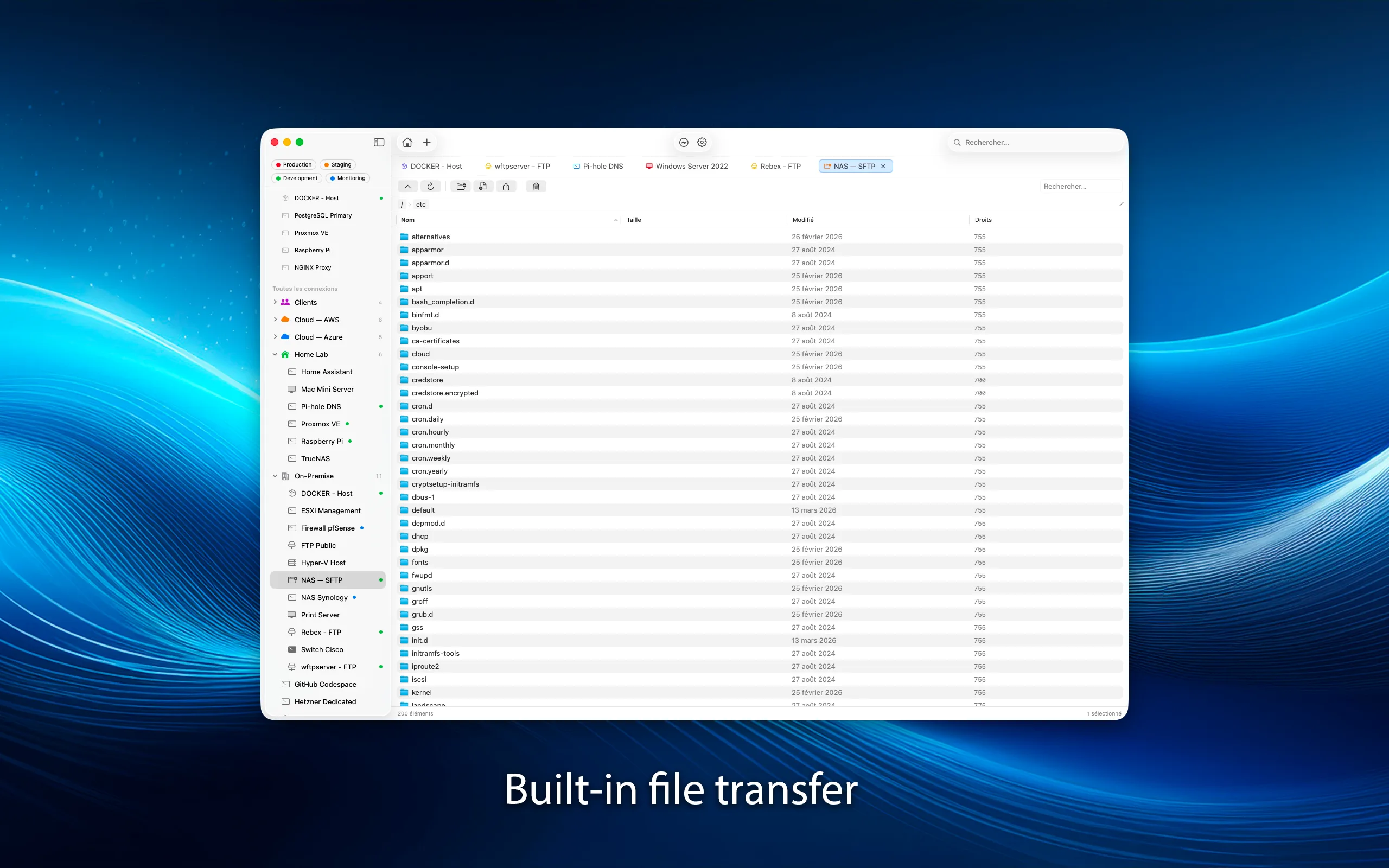
Drag, drop, transfer.
Dual-pane file browser with drag-and-drop transfers, progress tracking, and resume support. SFTP for secure transfers over SSH, FTP for legacy servers. Move files between your Mac and any remote server effortlessly.
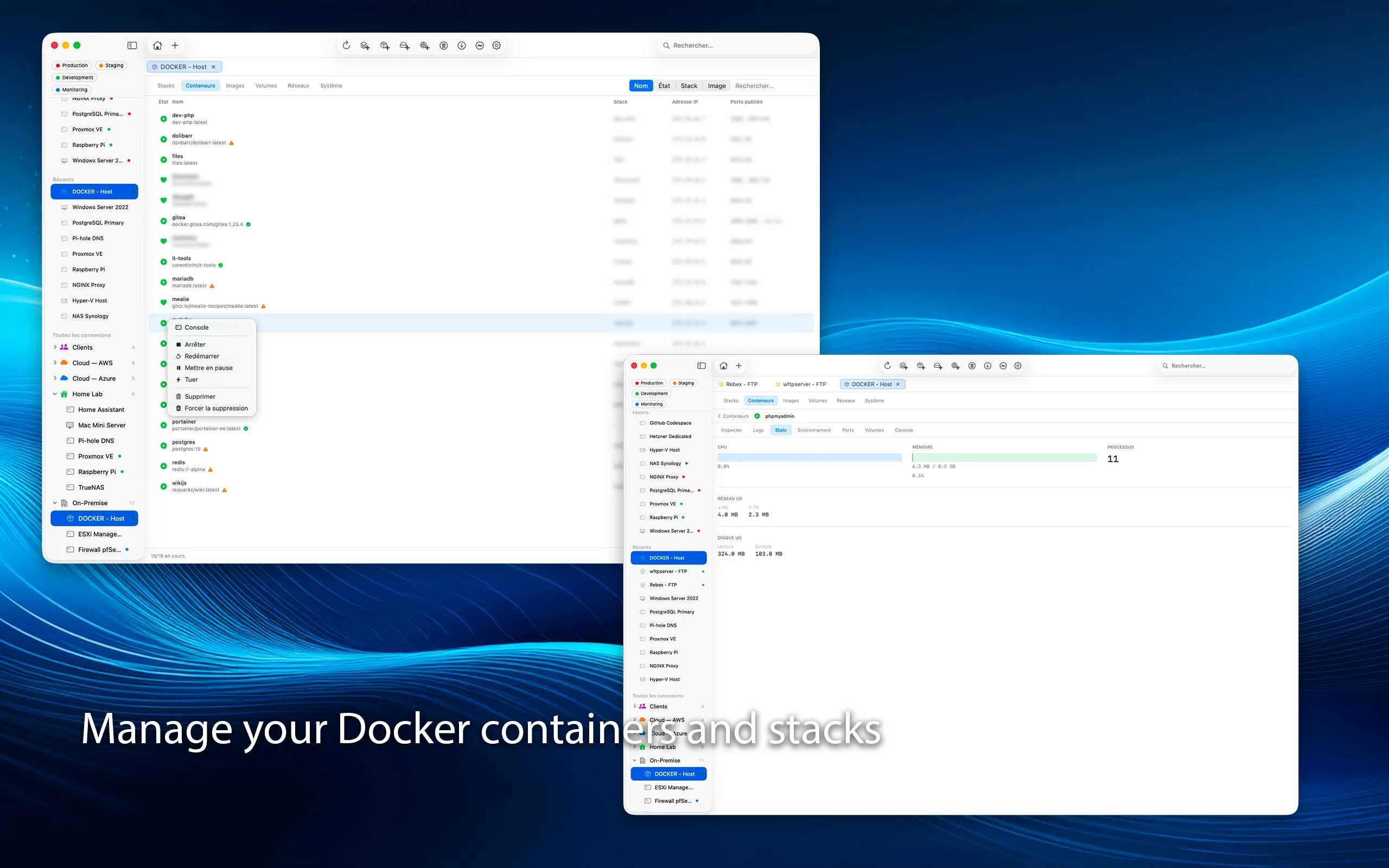
Containers at your fingertips.
Monitor containers, images, volumes, and networks over SSH. Inspect and view logs without leaving Bifrost. With Pro, drive the full lifecycle: start, stop, create, remove.
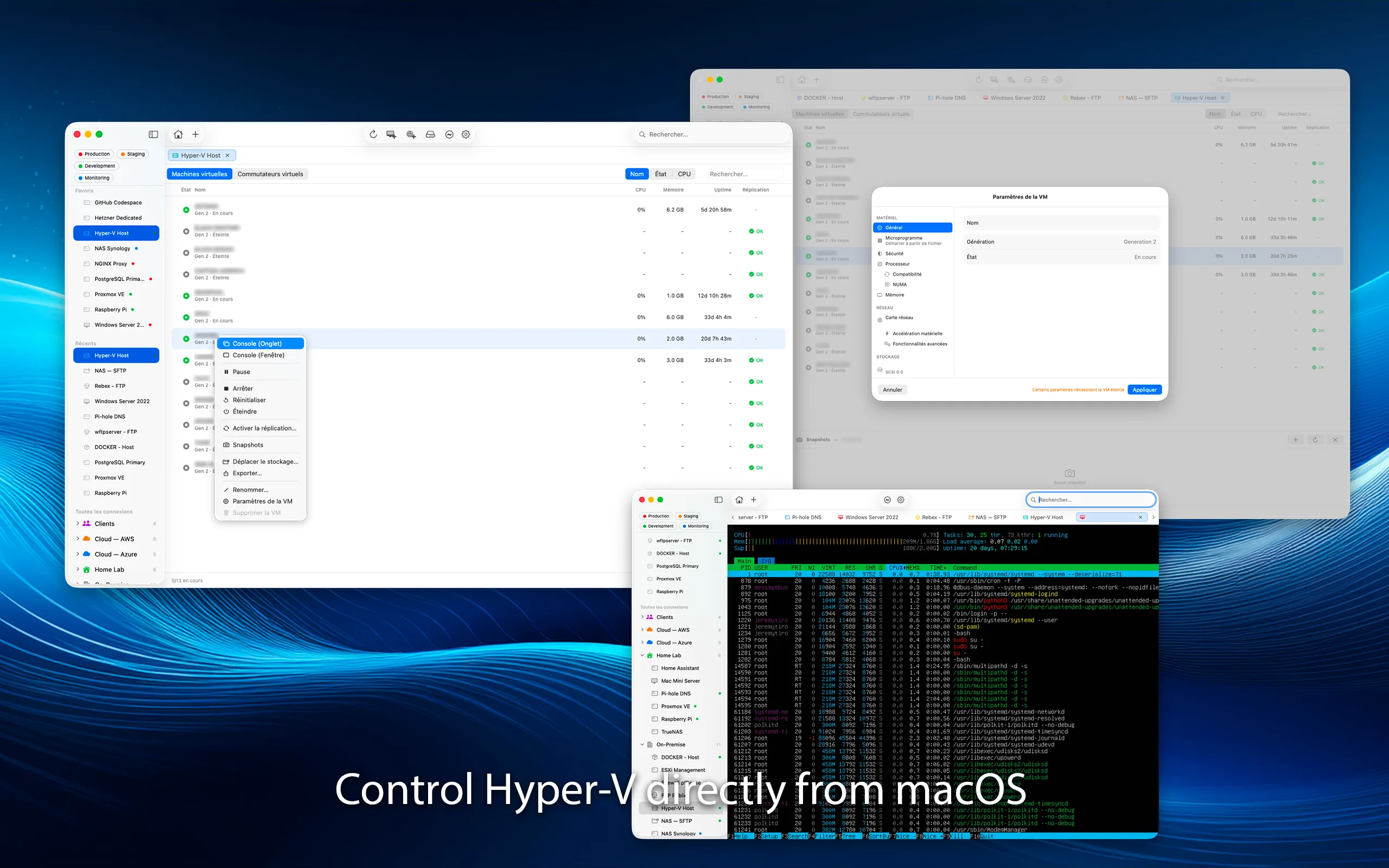
Your virtual machines, from macOS.
Full Hyper-V management via PowerShell Remoting. Create, configure, snapshot and monitor VMs. Built-in console to view and control each VM's screen — including Ctrl+Alt+Del. Snapshots, virtual switches, replication status, and resource monitoring.
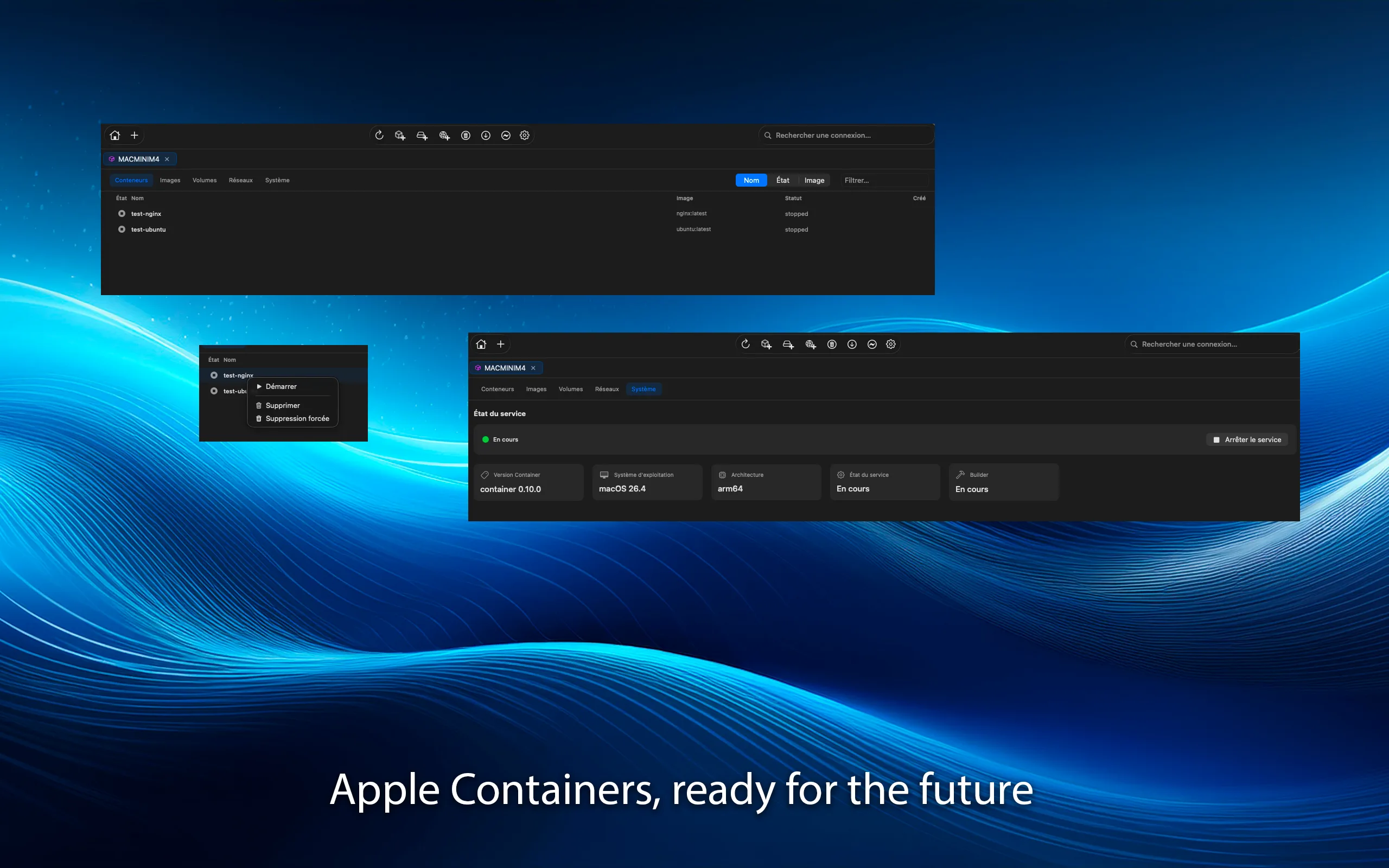
macOS containers, built in.
Lightweight Linux containers on macOS. Monitor local and remote container instances directly, with native integration into the macOS container runtime. Management actions are part of Pro.
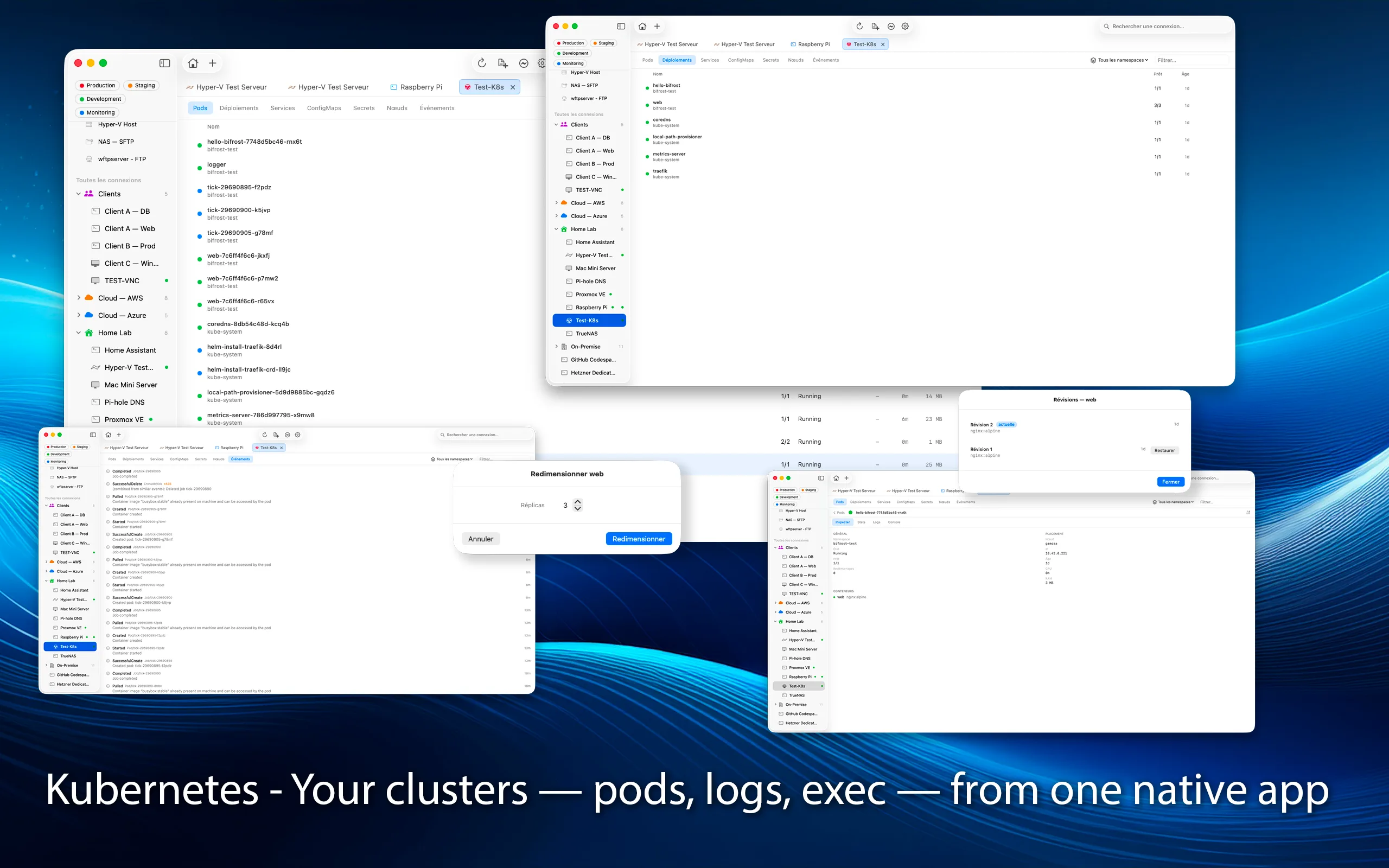
Your clusters, without Lens or kubectl.
Connect to any cluster with your kubeconfig. Pods, deployments, services, ConfigMaps, secrets, nodes, and events — with live logs, an exec console, and port-forwarding. With Pro: scale, restart, and rollback with revision history, plus applying YAML manifests. All native, with no client to install.
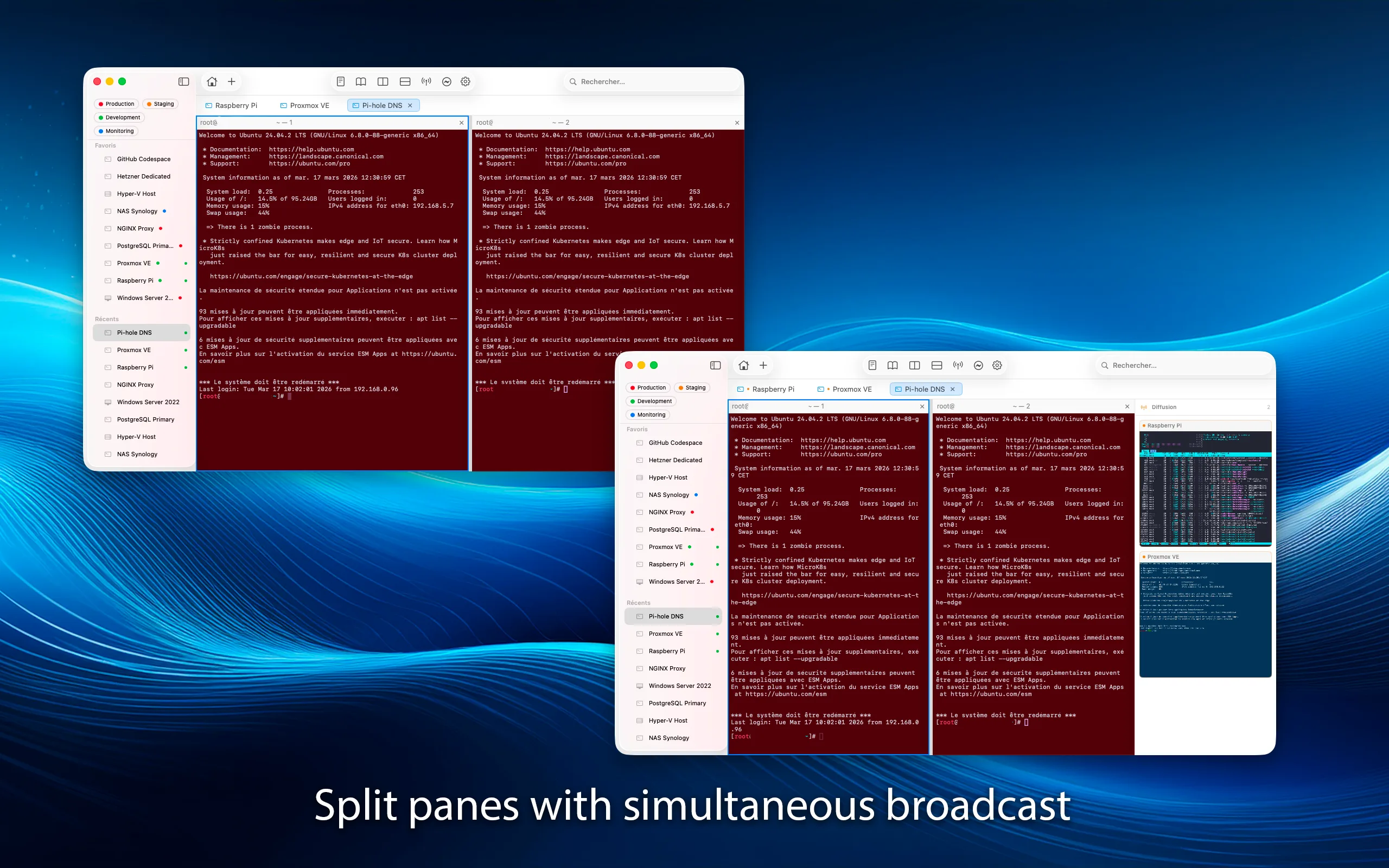
Tabs, split panes, and broadcast.
Open multiple connections in tabs or detached windows. Split panes horizontally or vertically. Broadcast mode sends your input to multiple sessions at once.
Everything you need
Groups, Tags & Favorites
Organize connections with groups, tags, colors, and icons. Pin favorites for quick access. Search and filter across everything.
Keys & Credentials
SSH key management, macOS Keychain integration. Import keys, generate new ones, or use your SSH agent.
Port Forwarding
Local and remote port forwarding over SSH. Access databases, web apps, and services behind firewalls securely.
Snippet Library
Save and reuse commands and scripts. Paste snippets into any terminal session with a click. Perfect for repetitive tasks.
Split Panes
Split your view horizontally or vertically. Work on multiple sessions side by side in a single window.
Broadcast Mode
Type once, send to many. Broadcast your input to multiple terminal sessions simultaneously. Ideal for managing clusters.
Clipboard Sharing
Seamless clipboard sync between your Mac and remote desktops. Copy here, paste there. Works with RDP and VNC.
Quick Connection
⌘⇧K and you're connected in seconds, nothing saved. Launch connections from the menu bar too. Keep it afterwards if it turns out to matter.
Siri & Shortcuts
Connect hands-free. Ask Siri or run a Shortcut to open any connection, and build your own automations around it.
Spotlight Search
Find and open a connection straight from macOS Spotlight — type its name and go. Opt-in, off by default.
Themes & Ligatures
Per-connection terminal themes. OpenType ligatures for Fira Code, JetBrains Mono, and Cascadia Code. Scrollback up to 100,000 lines.
Session Recording
Record terminal sessions in asciinema format (.cast). Replay an intervention, document a procedure, or keep an audit trail.
Automatic Backup
Your database is backed up after every change, with optional password encryption. Restore from history, import/export your connections.
App Lock
Lock Bifrost and unlock with Touch ID or your password. Your connections and credentials stay out of sight.
Connection Apps
Export any connection as a standalone app. Launch your favorite server from the Dock or Spotlight without even opening Bifrost.
iCloud Sync Pro
Your connections, groups, and settings synced across all your Macs, encrypted in your private iCloud. Set up once, find it everywhere.
Portal Pre-Auth Pro
Automatic authentication against captive web portals (firewalls, hotels) before connecting, with automatic session renewal.
Native macOS
Built with Swift and SwiftUI. No Electron, no web views. Runs natively on Apple Silicon. Lightweight and responsive.
Free vs Pro
Try every Pro feature free for 14 days. Then keep a free tier, or unlock Pro for good — one-time, no subscription.
| Free | Pro | |
|---|---|---|
| Saved connections | 5 | Unlimited |
| All protocols (SSH, RDP, VNC, SFTP, FTP, Telnet, PowerShell) | ||
| Full terminal: snippets, themes, ligatures, recording | ||
| Tabs, split panes, broadcast mode | ||
| Siri, Shortcuts & Spotlight | ||
| macOS Keychain, Touch ID, app lock | ||
| Automatic backup and import/export | ||
| Docker & Apple Containers: monitoring | ||
| Docker & Apple Containers: actions (create, start, remove…) | — | |
| Kubernetes: cluster exploration (pods, logs, events…) | ||
| Kubernetes: actions (scale, rollback, exec, apply a manifest…) | — | |
| Hyper-V: VMs, checkpoints, replication and console | — | |
| iCloud sync across your Macs | — | |
| Captive portal pre-authentication | — | |
| Priority support | — |
Bifrost Pro is a one-time purchase on the App Store — no subscription.
Available Languages
Your connections. Your keys. Nothing else.
No data collection, no analytics, no telemetry. All credentials stored in macOS Keychain. Bifrost never sees your passwords. Requires macOS 15 Sequoia or later.
Need help connecting your machines?
Help & guides →