
Bifrost
Every connection. One app.
SSH, RDP, PowerShell, VNC, SFTP, FTP, Telnet, Docker, Hyper-V, and Apple Containers in a single native macOS client. Organized, fast, and secure.
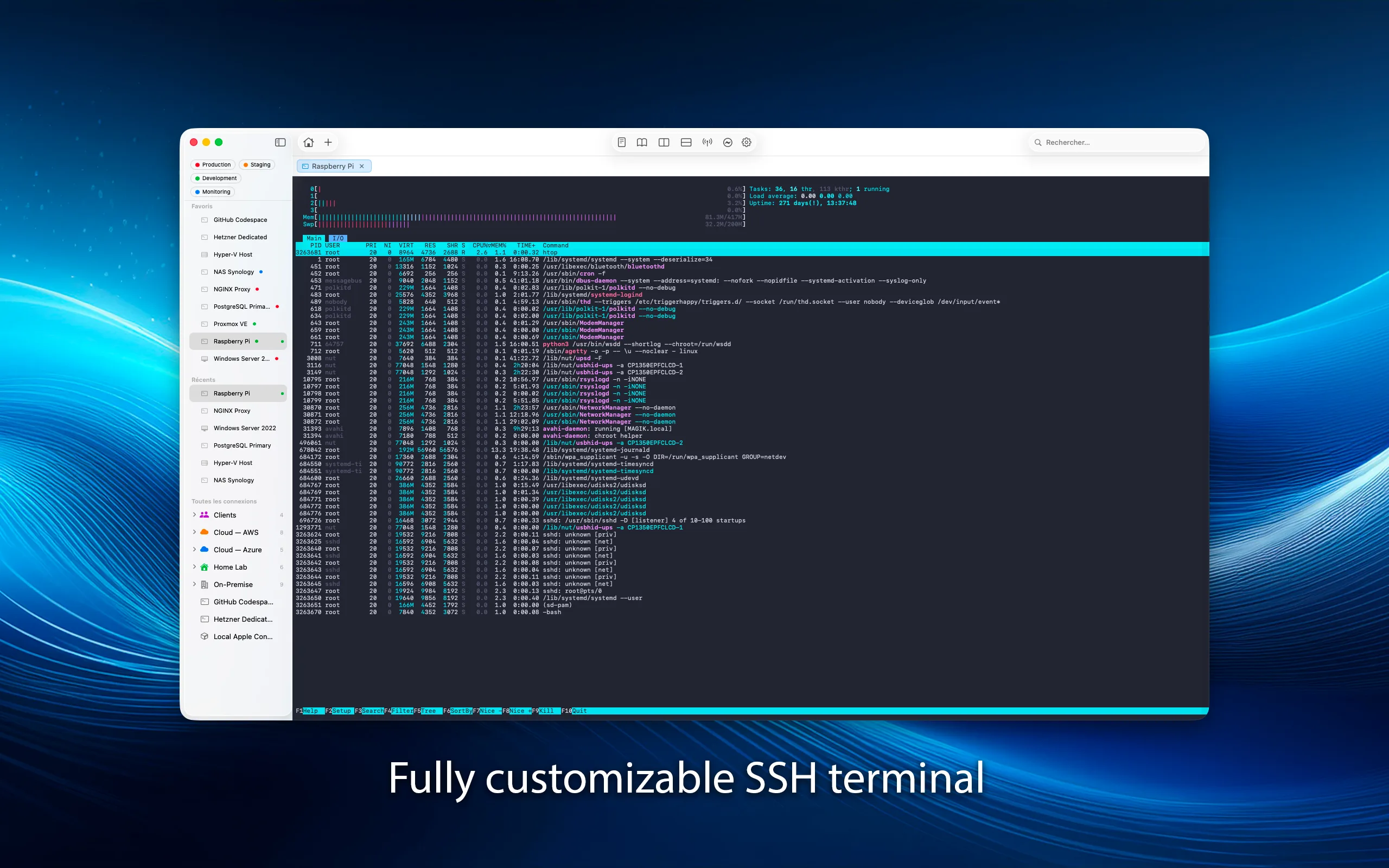
Coming SoonA full terminal, built right in.
xterm-256color terminal emulation with port forwarding, SSH key management, and agent forwarding. Local and remote tunnels for secure access to any service behind a firewall.
Manage Windows servers, natively.
Full PowerShell Remoting over WinRM. Run commands, scripts, and manage Windows servers directly from your Mac. Interactive sessions with line editing, history, and real-time output.
Legacy systems. Modern interface.
Full Telnet client for managing network equipment, legacy systems, and embedded devices. Same terminal emulation, same split panes, same experience as SSH — just without encryption.
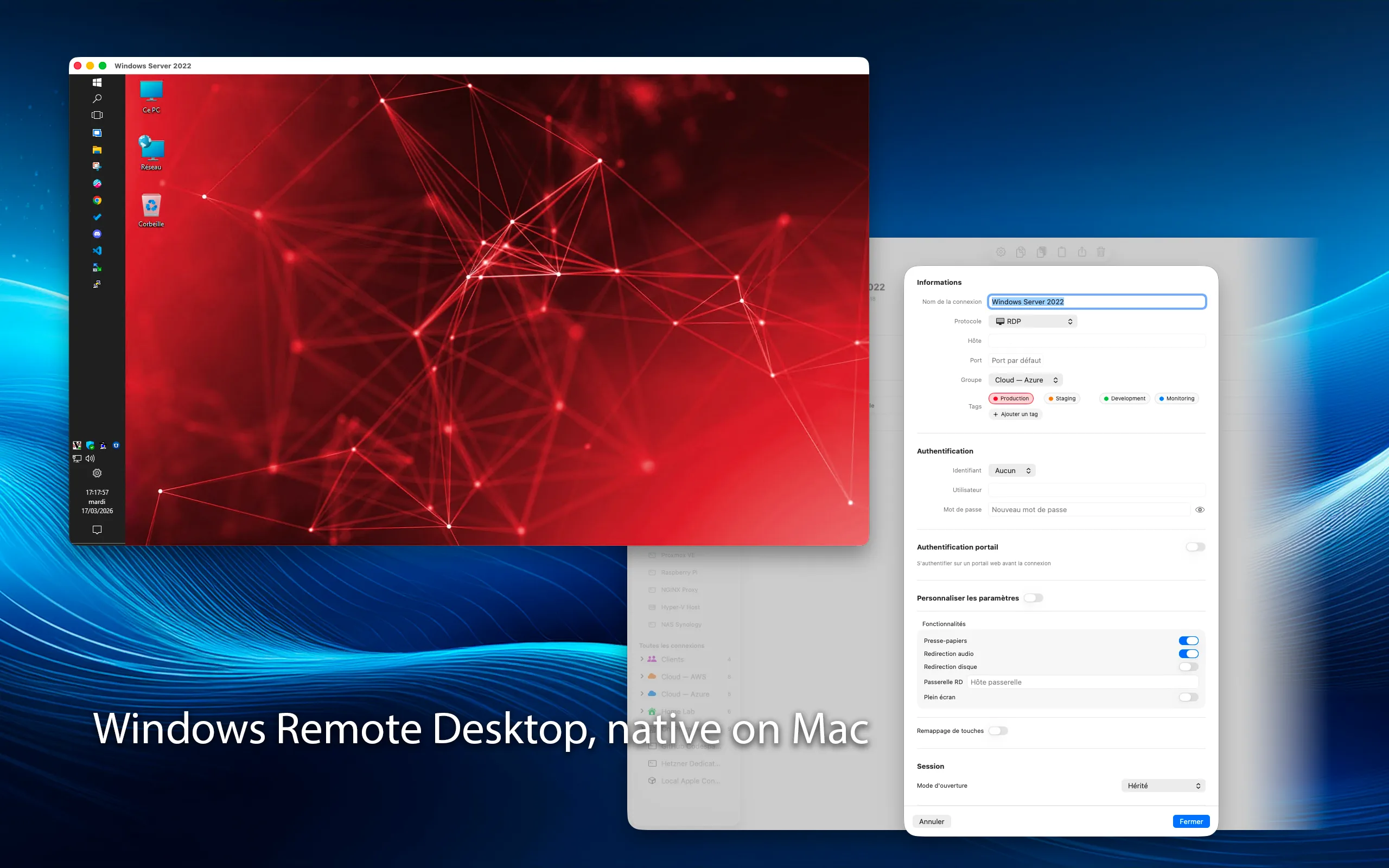
Windows desktops, from your Mac.
Full RDP client with NLA authentication, clipboard sharing, multi-monitor support, and configurable resolution. Connect to Windows machines as naturally as if they were local.
See every screen, in real time.
Real-time remote desktop rendering with configurable compression and quality. Shared session support for collaborative work. Connect to any VNC-compatible server — Linux, macOS, or Windows.
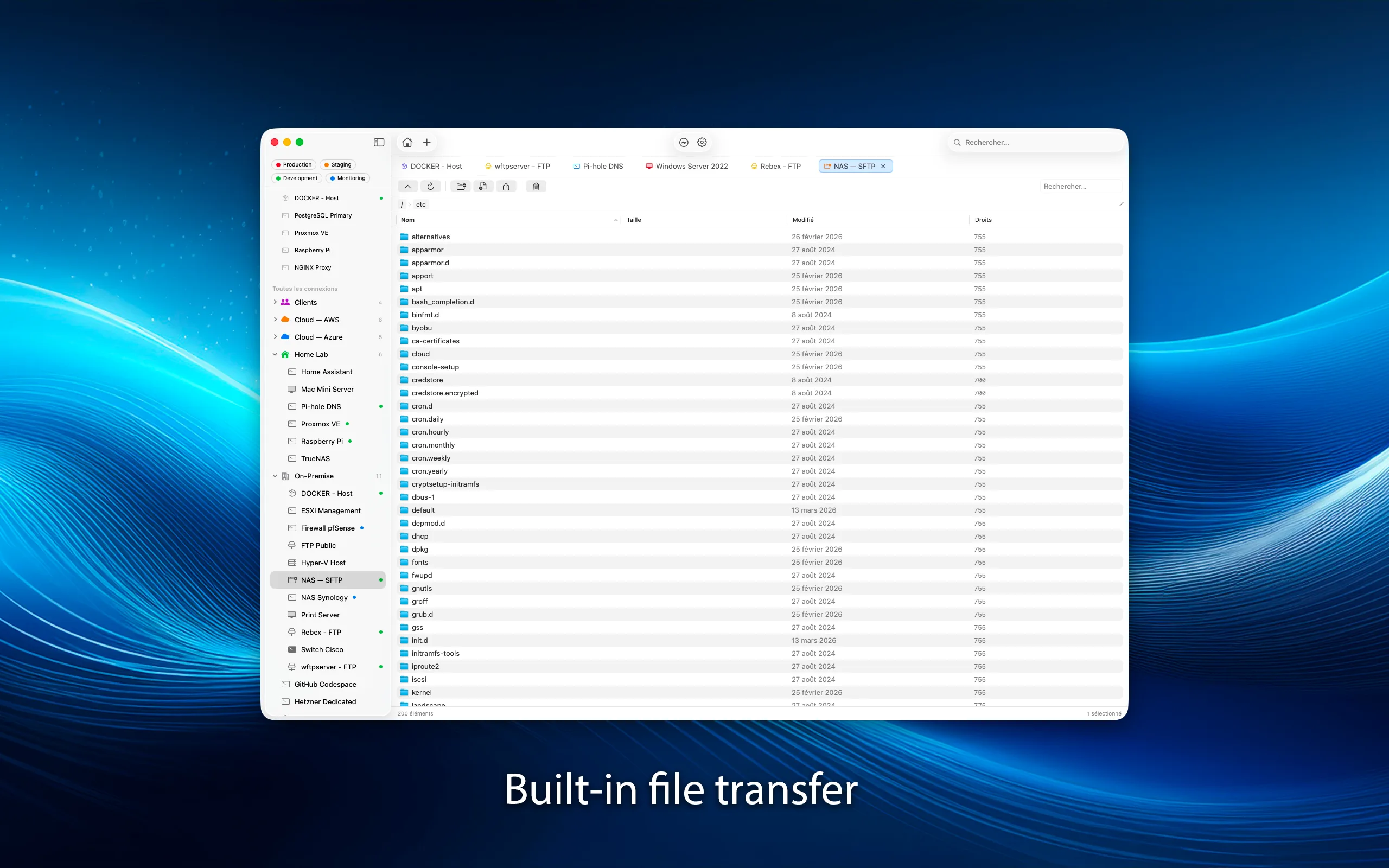
Drag, drop, transfer.
Dual-pane file browser with drag-and-drop transfers, progress tracking, and resume support. SFTP for secure transfers over SSH, FTP for legacy servers. Move files between your Mac and any remote server effortlessly.
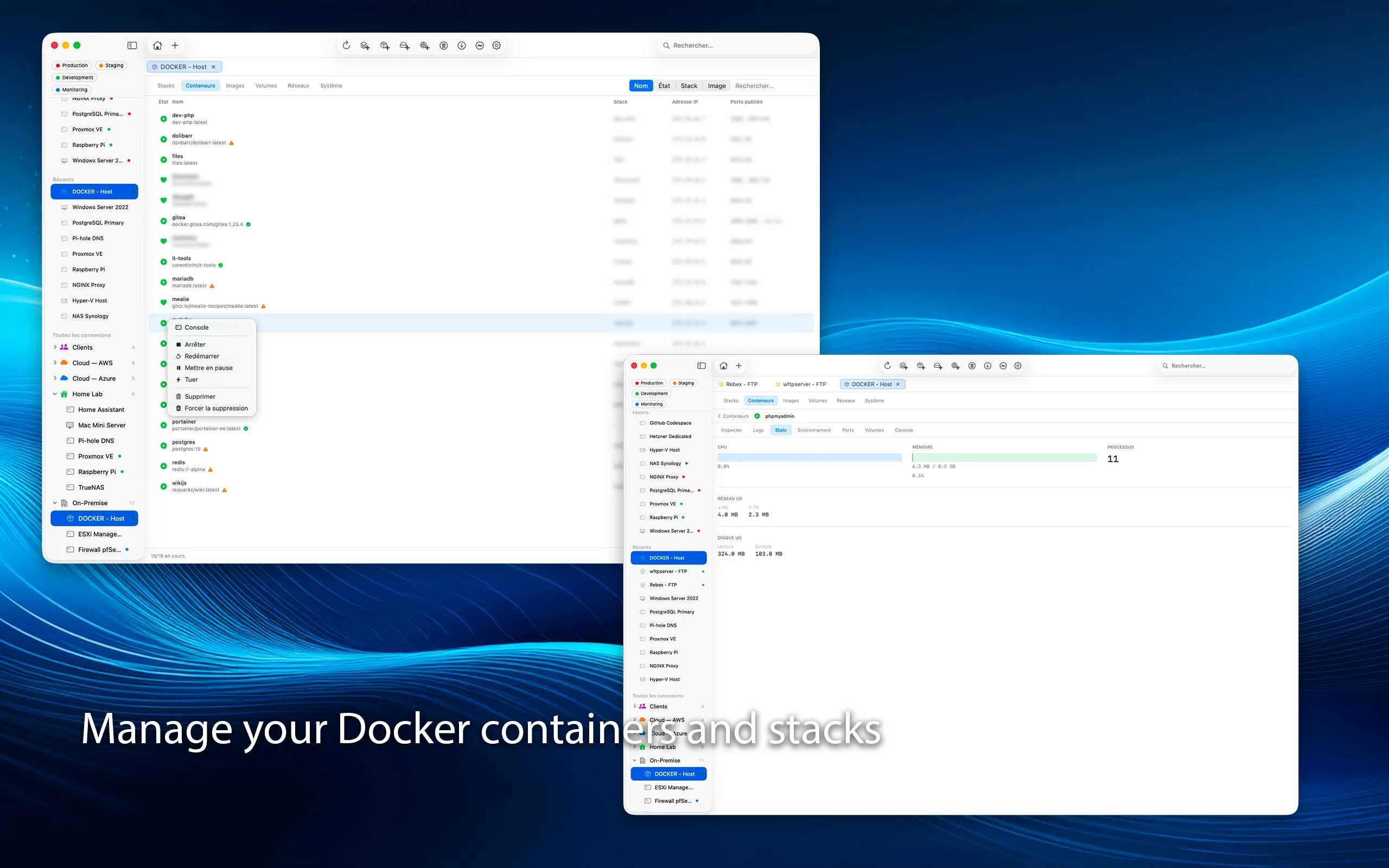
Containers at your fingertips.
Manage containers, images, volumes, and networks over SSH. Start, stop, inspect, and view logs without leaving Bifrost. Full container lifecycle management from your Mac.
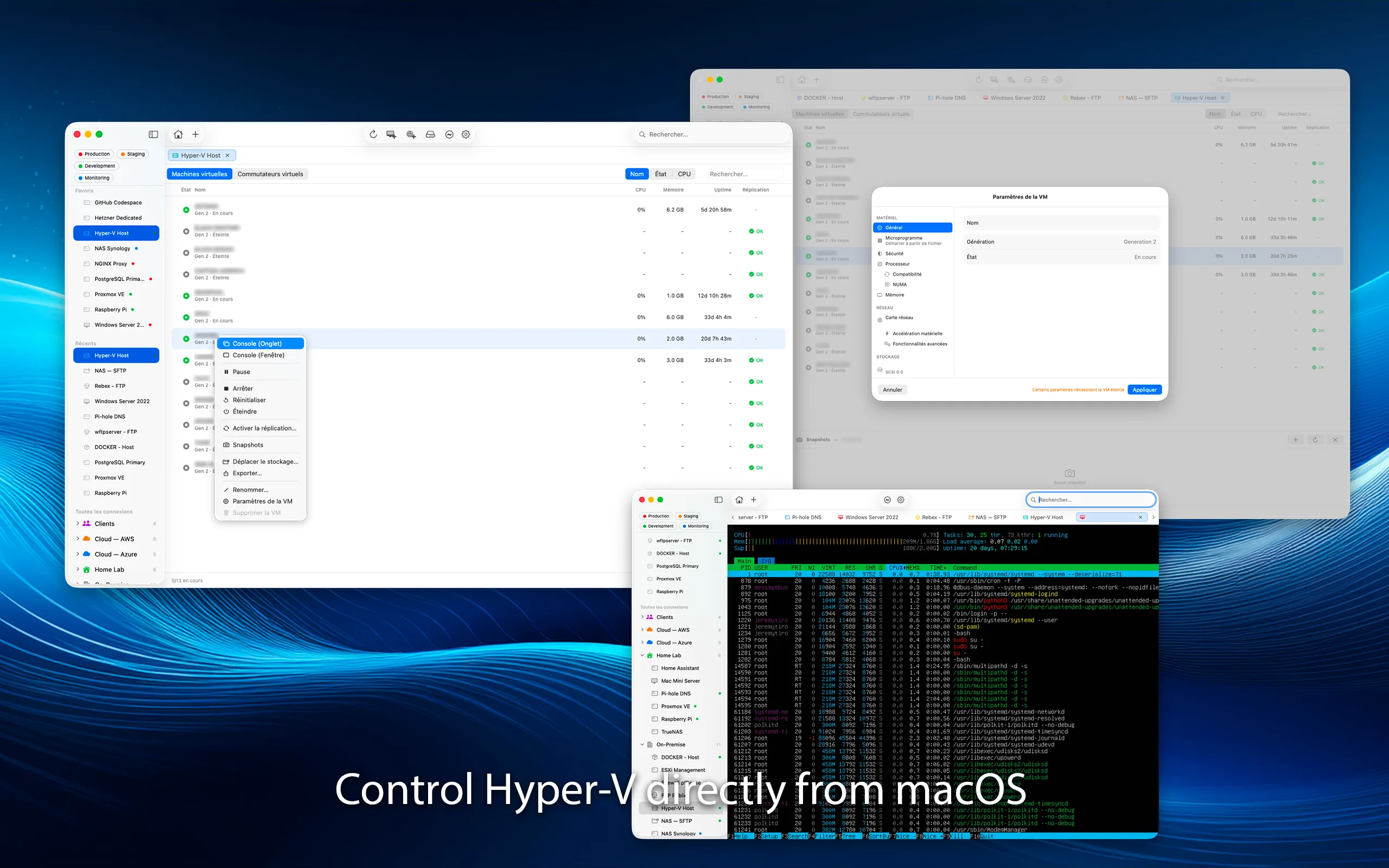
Your virtual machines, from macOS.
Full Hyper-V management via PowerShell Remoting. Create, configure, snapshot and monitor VMs. Live storage migration, replication status, and resource monitoring.
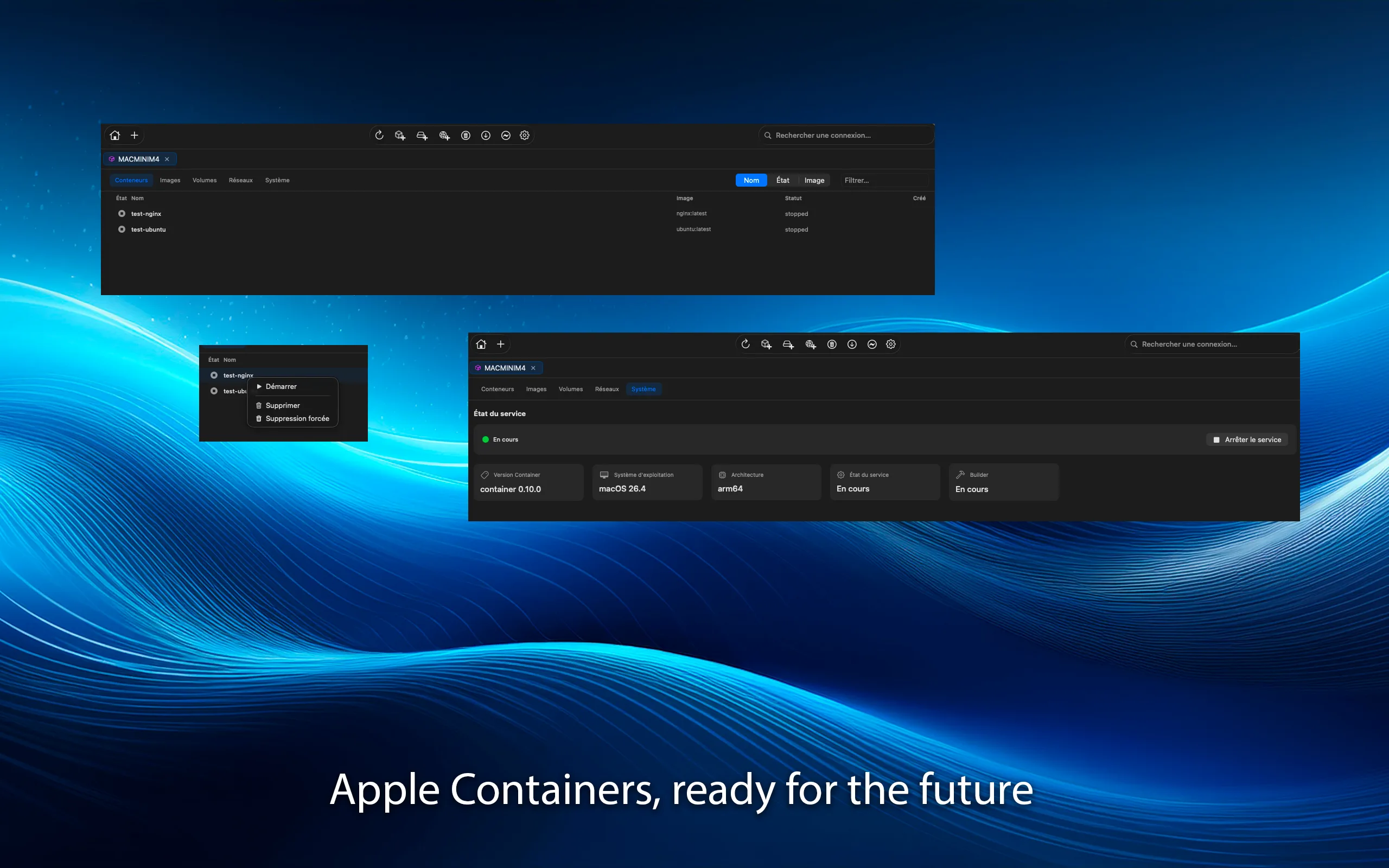
macOS containers, built in.
Lightweight Linux containers on macOS. Manage local and remote container instances directly. Native integration with the macOS container runtime.
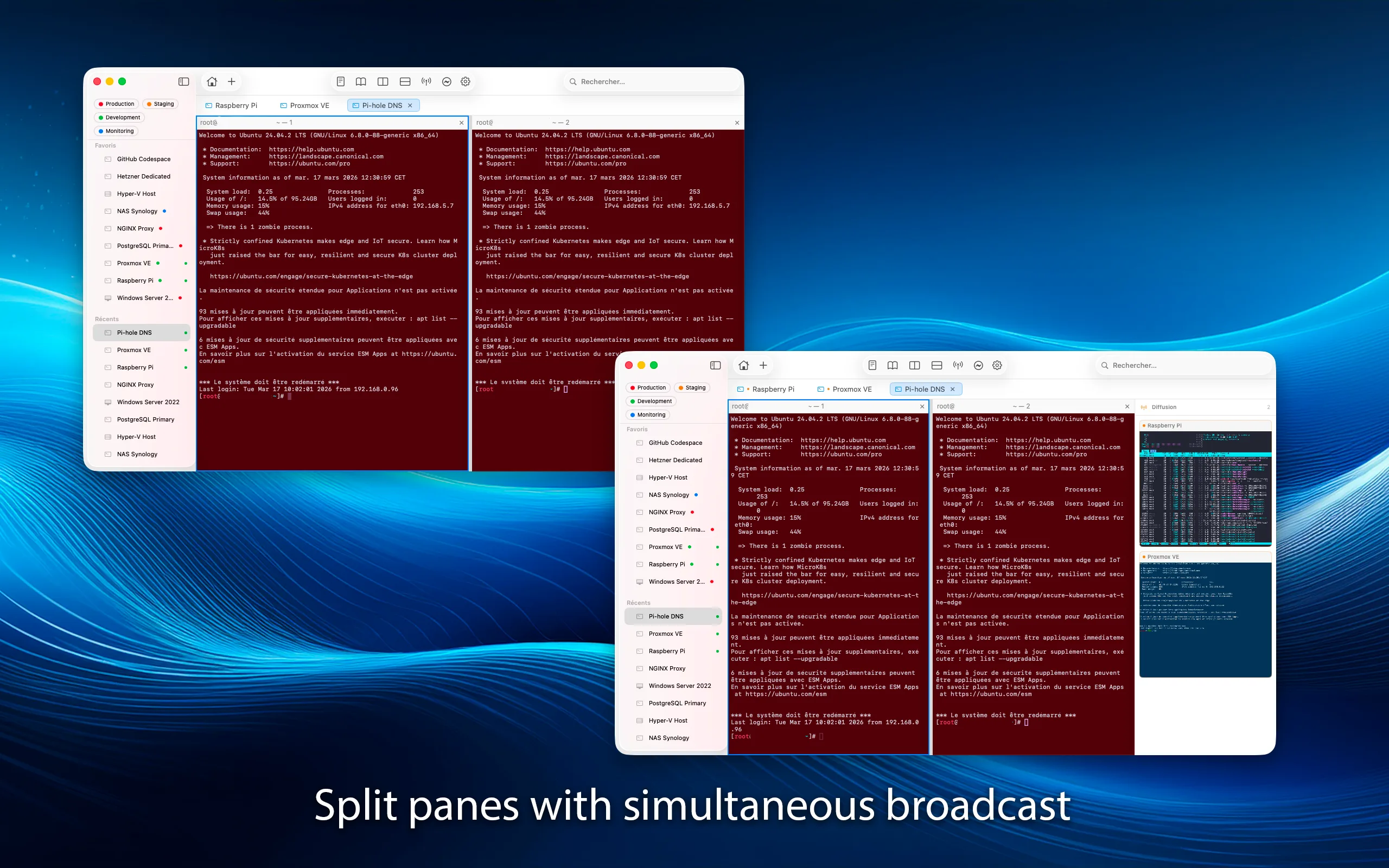
Tabs, split panes, and broadcast.
Open multiple connections in tabs or detached windows. Split panes horizontally or vertically. Broadcast mode sends your input to multiple sessions at once.
Everything you need
Groups & Favorites
Organize connections with groups, colors, and icons. Pin favorites for quick access. Search and filter across everything.
Keys & Credentials
SSH key management, macOS Keychain integration. Import keys, generate new ones, or use your SSH agent.
Port Forwarding
Local and remote port forwarding over SSH. Access databases, web apps, and services behind firewalls securely.
Snippet Library
Save and reuse commands and scripts. Paste snippets into any terminal session with a click. Perfect for repetitive tasks.
Split Panes
Split your view horizontally or vertically. Work on multiple sessions side by side in a single window.
Broadcast Mode
Type once, send to many. Broadcast your input to multiple terminal sessions simultaneously. Ideal for managing clusters.
Clipboard Sharing
Seamless clipboard sync between your Mac and remote desktops. Copy here, paste there. Works with RDP and VNC.
Native macOS
Built with Swift and SwiftUI. No Electron, no web views. Runs natively on Apple Silicon. Lightweight and responsive.
Available Languages
Your connections. Your keys. Nothing else.
No data collection, no analytics, no telemetry. All credentials stored in macOS Keychain. Bifrost never sees your passwords. Requires macOS 15 Sequoia or later.